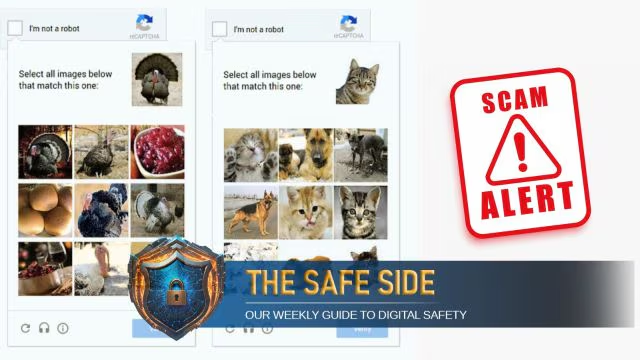
Most of us have encountered the familiar little box online that says “I’m not a robot.” Known as CAPTCHA, it’s a security test designed to tell humans and bots apart. These tests usually ask you to type distorted letters, pick certain images, solve a small puzzle, or simply tick a checkbox. They’ve become such a routine part of browsing that we hardly give them a second thought. Cybercriminals are now exploiting this very tool through so-called fake CAPTCHA scams, and a single careless click could expose users to a cyberattack
In these scams, attackers set up phishing websites or run malicious ads that show what looks like a genuine Google CAPTCHA page. At first glance, nothing seems unusual. The trouble begins after users click ‘Verify,’ as scammers often ask them to take steps no real CAPTCHA would require—such as downloading a file, clicking ‘Allow’ to enable notifications, or pasting commands into the computer’s Run dialog. These actions are far from harmless. Security researchers uncovered a campaign where scammers used fake CAPTCHA to spread the Lumma Stealer malware, a powerful tool that steals passwords, financial data, browsing history, and even cryptocurrency wallet details.. Victims unknowingly executed hidden code that triggered the malware download from remote servers, giving cybercriminals direct access to their sensitive information.
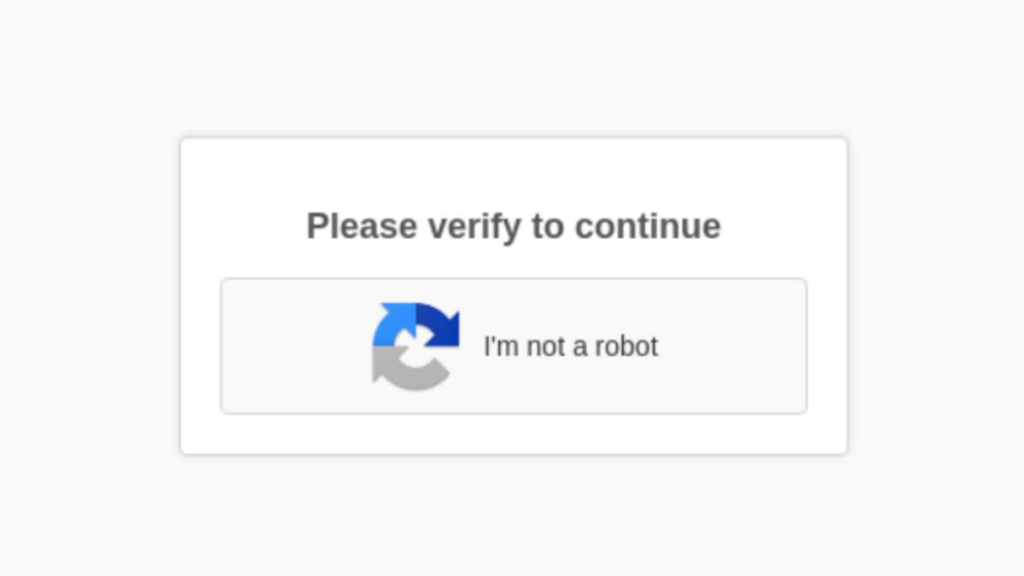
The challenge comes from scammers designing fake CAPTCHAs to look convincing, but users can spot them through subtle signs. Trusted websites always embed real CAPTCHAs and ask users to complete simple, relevant tasks. Fake ones often appear as random pop-ups or on domains with unusual spellings and characters. Scammers may also demand actions completely unrelated to verification, and users should always treat these as a red flag.
The best way to stay safe is to remain cautious. If a CAPTCHA page asks you to go beyond simple checks like selecting images or ticking a box, close it immediately. Always double-check the website’s address, avoid downloading anything in the name of verification, and keep your antivirus software updated. What seems like a routine security test could actually be the start of a cyberattack, so treating every “I’m not a robot” box with care has never been more important.